Explore Updated In-Game Menu
Welcome to Your New In-Game Menu!
We’ve streamlined your workspace to give you more room to play and interact.

Here is a quick look at where everything lives:
1. 2-Player Widget (Top Right)
The 2-Player widget is now compact to save screen space. Simply click the widget to expand it, then hit the Play button to start a session together.
2. In-Game Menu (Bottom Left)
The Gear Icon is your new command center. Most of the tools you previously used in the toolbar are now tucked away here to keep your view clutter-free. Open this menu to access:

- Exit Game: Ready to head back to the dashboard? Use this to leave your current activity.
- Provider Tools: Dive into game descriptions, discussion questions, related resources, and your pinned tools.
- How to Play: A quick refresher on the rules and goals of the activity.
- Audio Controls: Independent buttons for both Music and Voice volume so you can find the perfect balance.
- Game Management: Use Clear Game to start fresh or Download to save a PDF screenshot of your progress.
Note: Options within this menu may vary by activity. For example, some games may not include voiceovers or download features, so those specific buttons will be unavailable.
3. Support Chatbot (Bottom Right)
If you run into any snags or have a question, the Support Chatbot is still right where you left it. Click it anytime to chat with our bot and get the help you need.


Read On

Explore Updated In-Game Menu
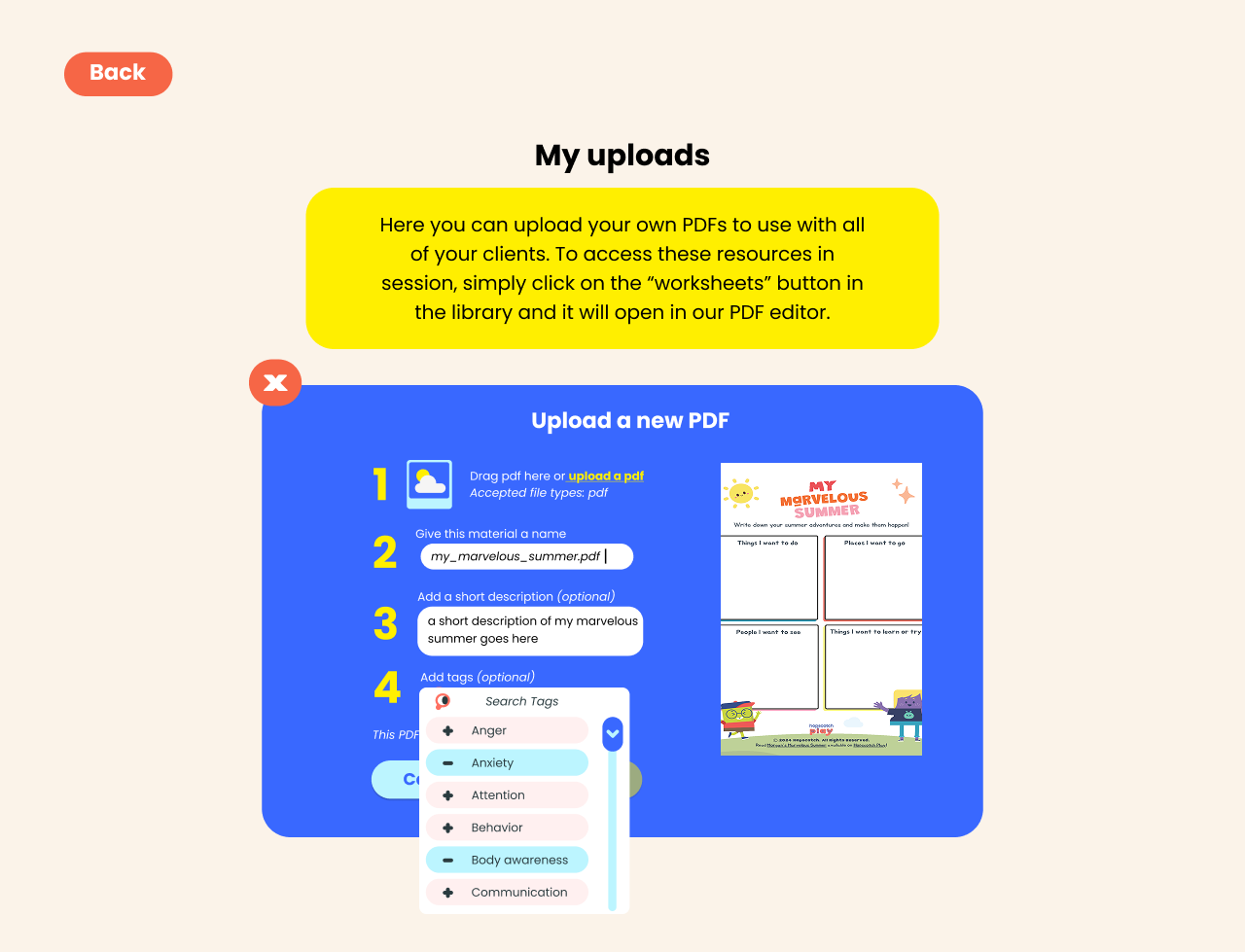
Uploading PDFs to Hopscotch Play